
Everything You Need
Professional-grade tools designed specifically for iOS. Whether you're fixing a bug on the go or building your next project, Buffer Editor has you covered.
Advanced Editor
Full-featured code editor with syntax highlighting for 60+ languages, intelligent autocomplete, snippets, tabs, split view, shortcuts and external keyboard support. Code as fast on iOS as you do on desktop.
Integrated Terminal
Multiple terminals in tabs with full SSH support. Connect to your servers, run build scripts, deploy code, and manage your entire development workflow from your device.
Complete Git Version Control
The most powerful Git client on iOS. Clone, commit, push, pull, branch, merge, stash, and more. Full pull request workflows, image diffs, git blame, and worktrees support.
Cloud
Connect to Dropbox, Google Drive, iCloud, and more. Keep your files sync across all devices, so you can start on your iPad and continue on your iPhone.
Remote Access
SFTP, SSH, and FTP support for remote server management. Edit files directly on production servers with live updates. No need to download and re-upload.
Live Preview
Preview HTML, CSS, and JavaScript changes in real-time with split view editing. See your designs come to life instantly as you code.
The Numbers Speak
Used by thousands of developers, freelancers, and students worldwide. Buffer Editor has become the essential tool for iOS development.
Complete Git Client on iOS
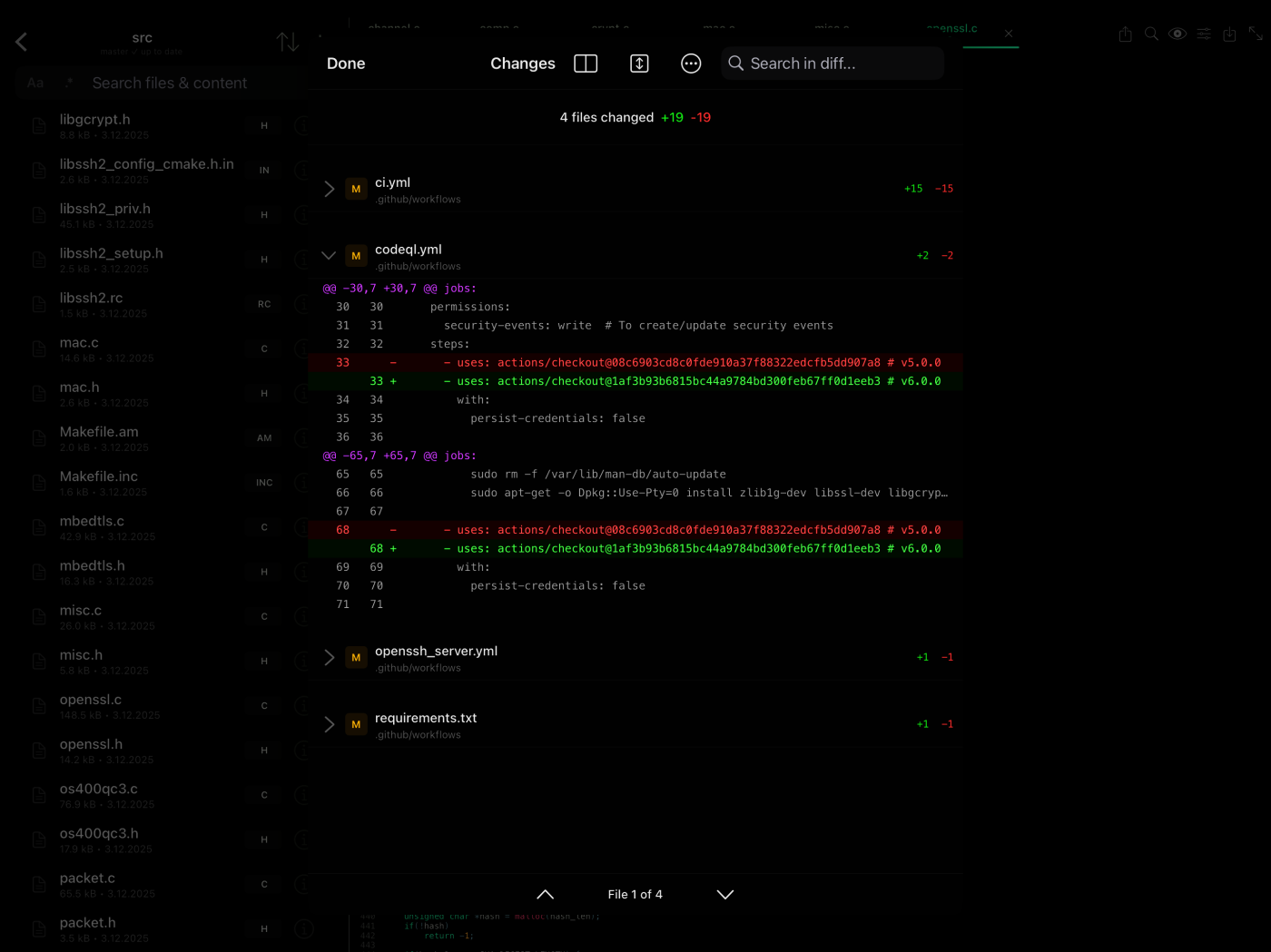
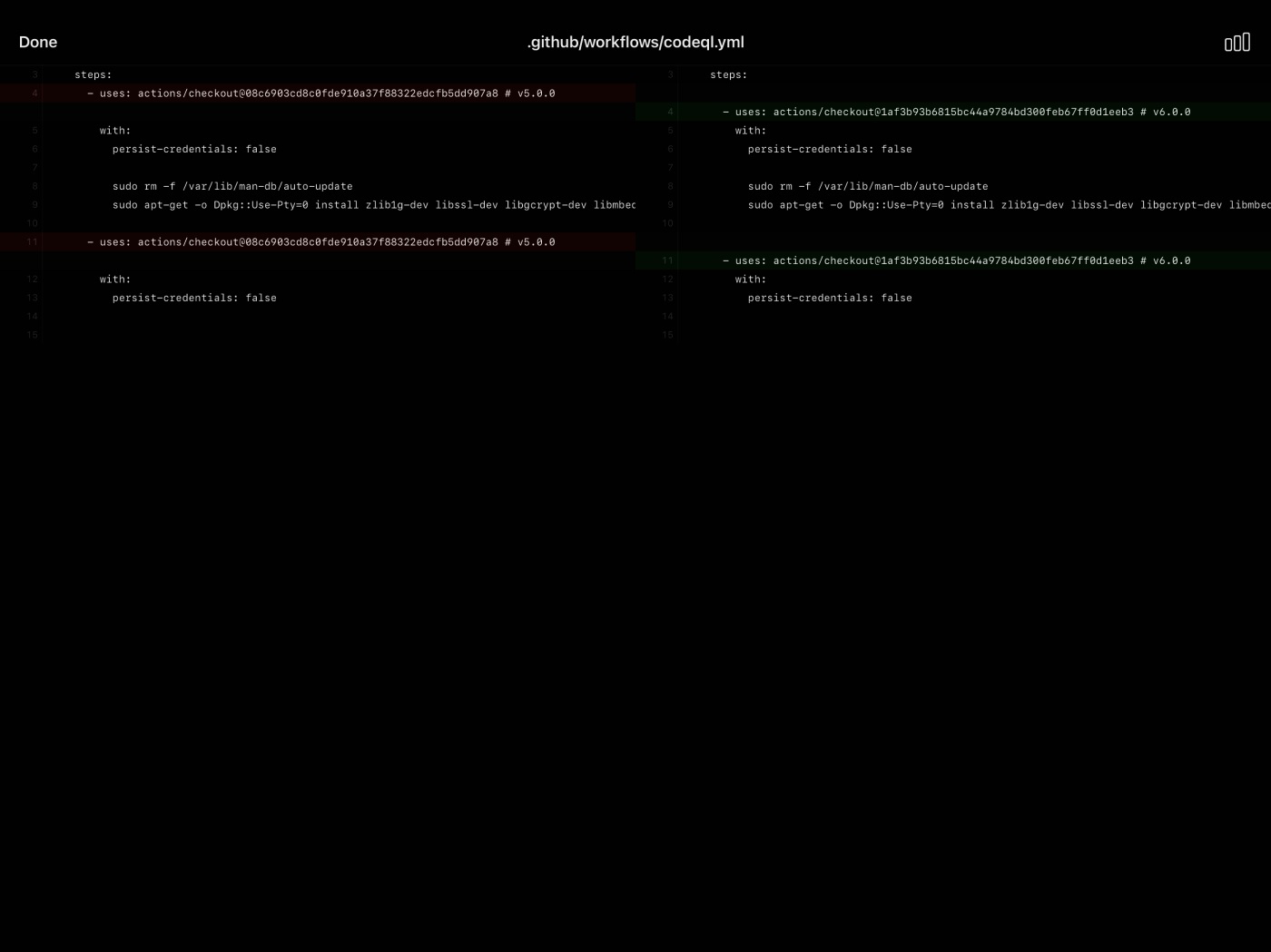
Professional-grade Git capabilities that rival desktop clients. Worktrees support, full pull request workflows, and advanced features like git blame and image diffs.
- Clone, push, pull, fetch with HTTPS and SSH authentication
- Full branch management - create, switch, merge, rebase, and delete branches with conflict detection
- Stash, tags, multiple remotes, and submodules support for complex workflows
- Worktrees - work on multiple branches simultaneously

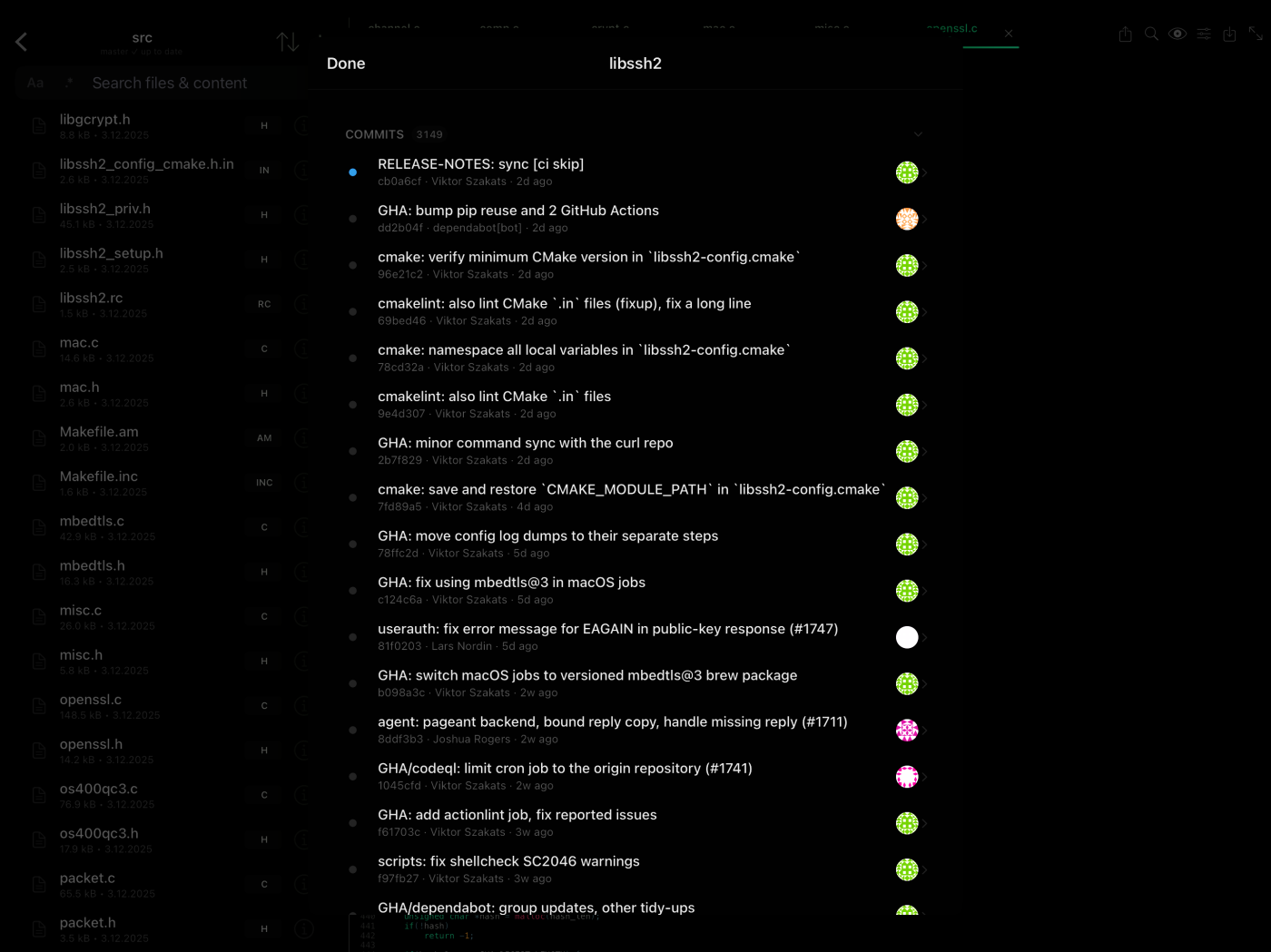
Pull Requests, Wherever You Are
PR workflow support for GitHub, GitLab, and Bitbucket means you can collaborate on the go.
- View diffs, commits, and PR details
- Git Blame - see who changed what, line by line, with commit history
Features No Other iOS App Has
Buffer Editor goes beyond basic Git operations with professional tools typically found only in desktop applications.
- Image Diff Viewer with comparison modes
- Commit changes with full staging control
- Contribution graph - GitHub-style activity visualization for your commits
- Cherry-pick, revert, reset (soft/mixed/hard), and clean operations
Never Stop Building
Connect to unlimited remote services and stay productive anywhere. Whether you're at a coffee shop, on a plane, or relaxing at home, your entire development environment travels with you.
- Unlimited connections to BitBucket, GitHub, GitLab, Custom Git, Dropbox, iCloud, Google Drive, SFTP, SSH, and FTP
- Seamless integration with iOS Files app - access any cloud service you already use
- Link external folders and open entire projects at once - just like on desktop
Your Style, Your Way
Choose from beautiful dark and light themes designed to reduce eye strain during long coding sessions. Select from professional monospace fonts optimized for code readability.
Buffer Editor is customizable. Create a workspace that feels natural and boosts your productivity.
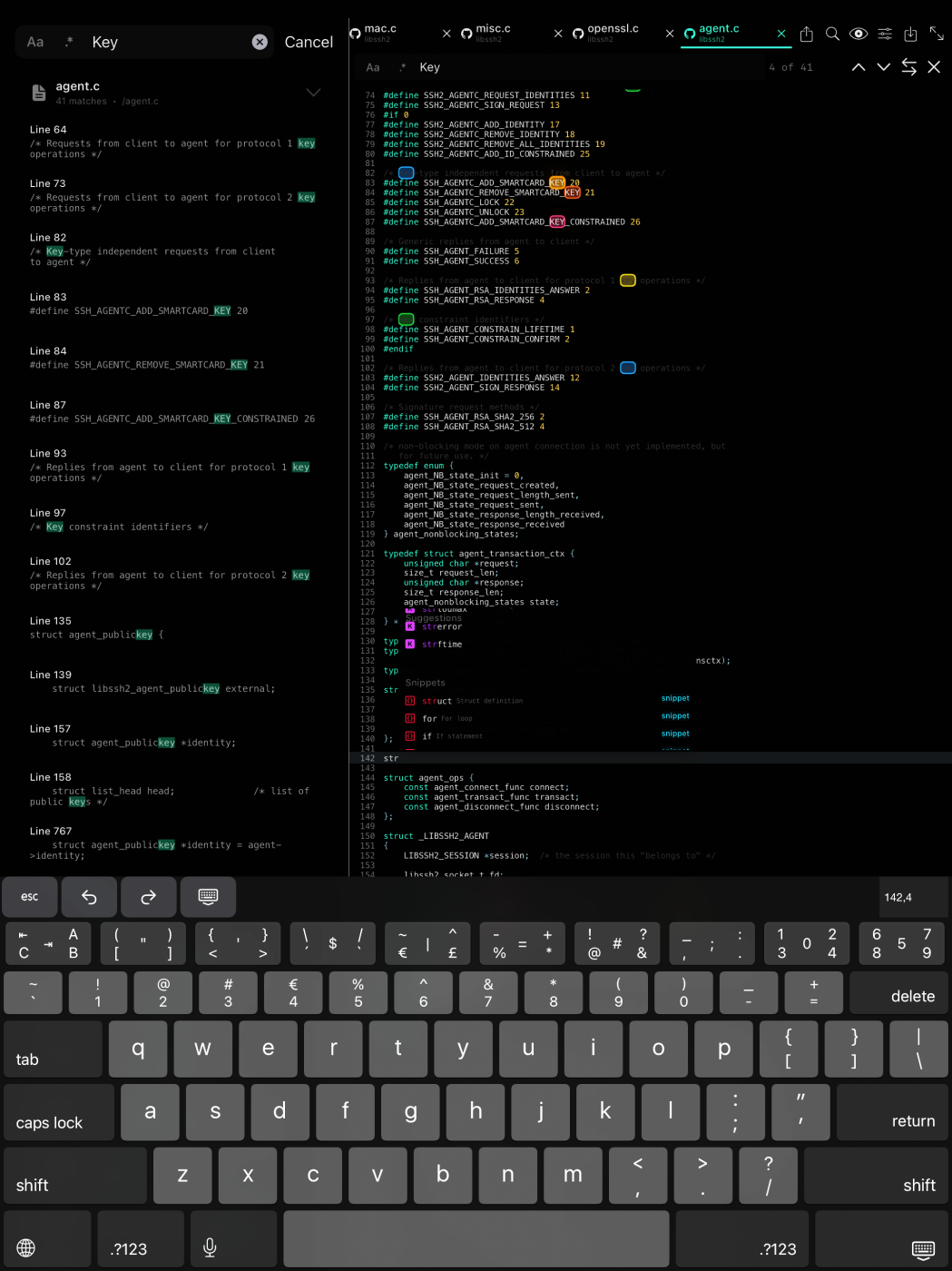
Desktop Power, Mobile Freedom
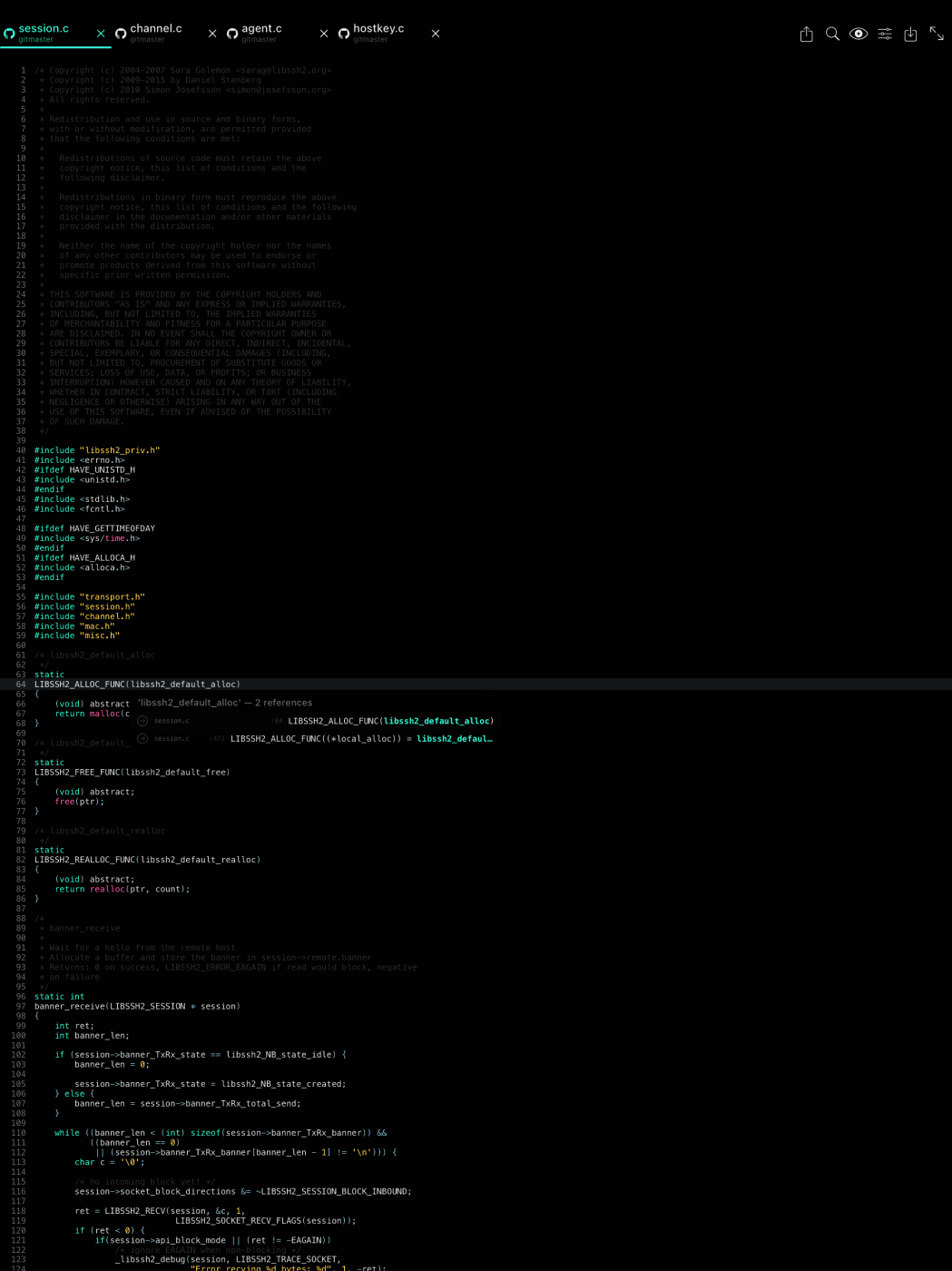
Advanced features that make coding on iOS feel just as powerful as desktop IDEs. Built specifically for touch interfaces while maintaining the speed and efficiency you expect.
- Smart tabs system - quickly switch between files and keep your workspace organized
- Split view and slide over - true multitasking on iPad
- Live editing with auto-save - your changes are always protected
- External keyboard support - code at desktop speed
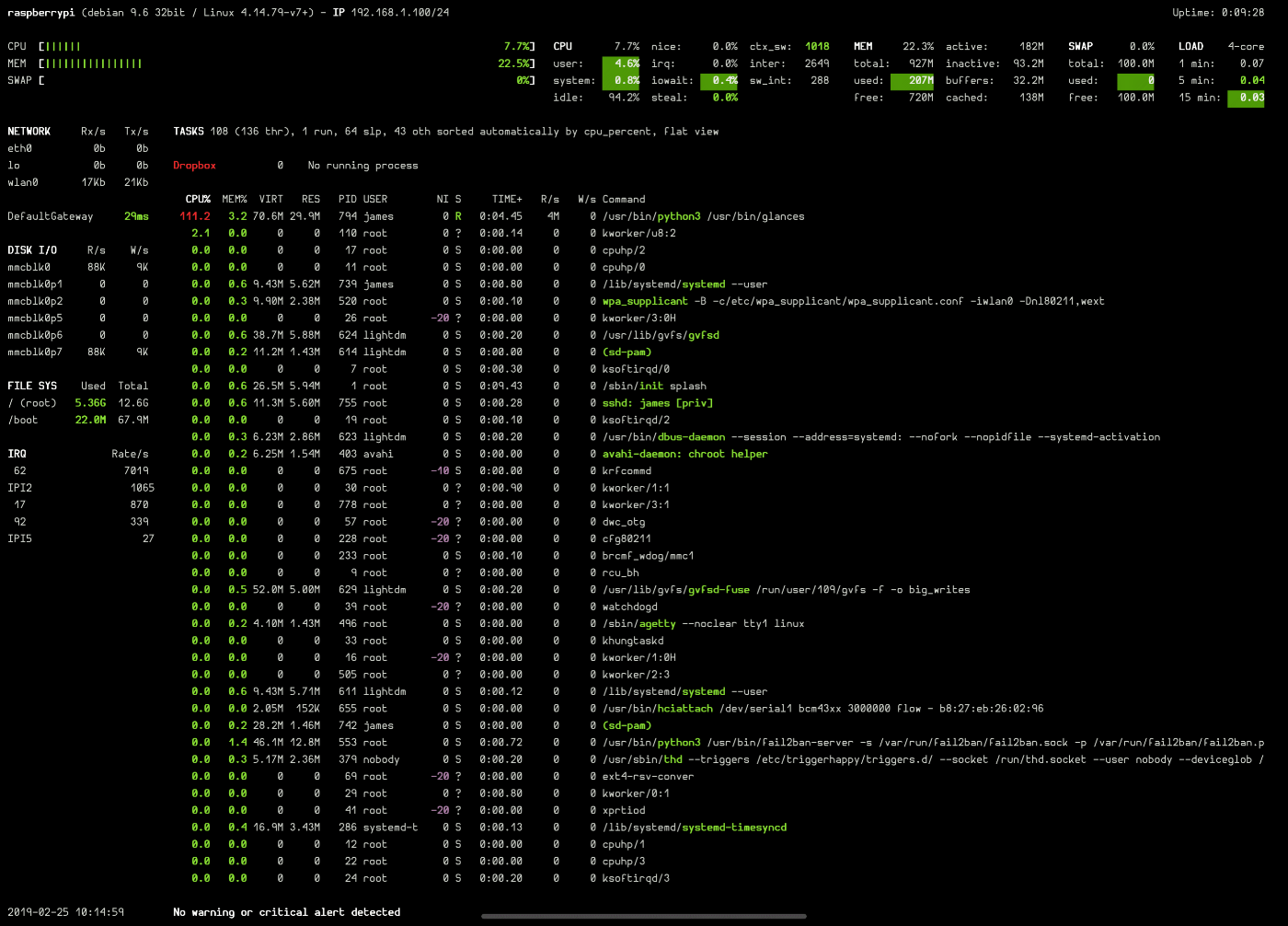
Command Line in Your Pocket
Native terminal experience with full SSH support. Deploy code, run tests, manage servers - all from your iOS device. No compromises, no limitations.
- Multiple terminal tabs - work on multiple servers or projects simultaneously
One App, Every Device
Universal iOS app optimized for iPhone, iPad, and iPad Pro. Lightning-fast interface with native iOS integration.
iPhone
Quick fixes and code reviews on the go
iPad
Full development workspace anywhere
iPad Pro
Desktop replacement for serious work
See It In Action
Experience Buffer Editor's powerful features across all your iOS devices

Loved by Developers
"Buffer Editor is a code editor app that can connect with numerous remote services such as Dropbox, Google Drive, Git, iCloud, SSH, SFTP and FTP servers."
— Techworld
"If coding on the go is your thing, this is a great option for iOS devices. It's designed to make it easy to make quick changes to your website."
— CodeBurst
"Buffer Editor is excellent choice. It's ideal for code and text and makes it easy to write and review code."
— WPMuDev
"Love the app, syntax highlighting looks great and built in integration to GitHub is nice."
— App Store Review
"I've found myself using Buffer as my default editor. The Vim bindings are a godsend."
— Developer
"Top VIM-like editor for iOS. Strong support for VIM commands, thoughtfully designed keyboard expansion, and reliable syncing."
— App Store Review
Start Coding Today
Join thousands of developers who've transformed their iOS devices into powerful development machines